How to Use TopSwing
Master your golf swing in 5 easy steps. Free VIP trial available!
Video Tutorials
TopSwing Analyzer Tutorial
Swing Analysis Walkthrough
Advanced Swing Tools
1
Open the Swing Analyzer
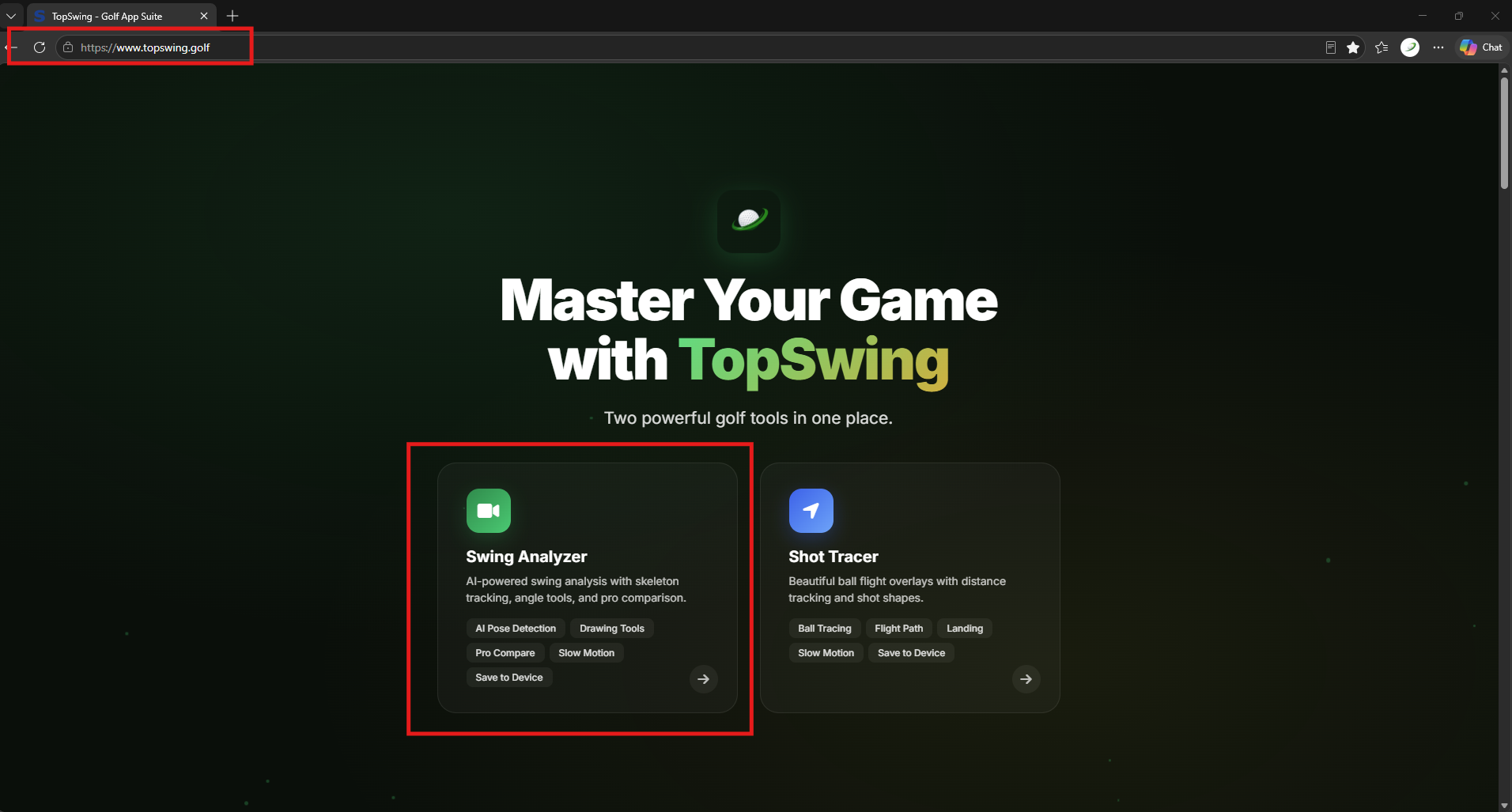
Go to topswing.golf and tap the "Swing Analyzer" card. The app opens directly in your browser — no download needed.
2
Sign In
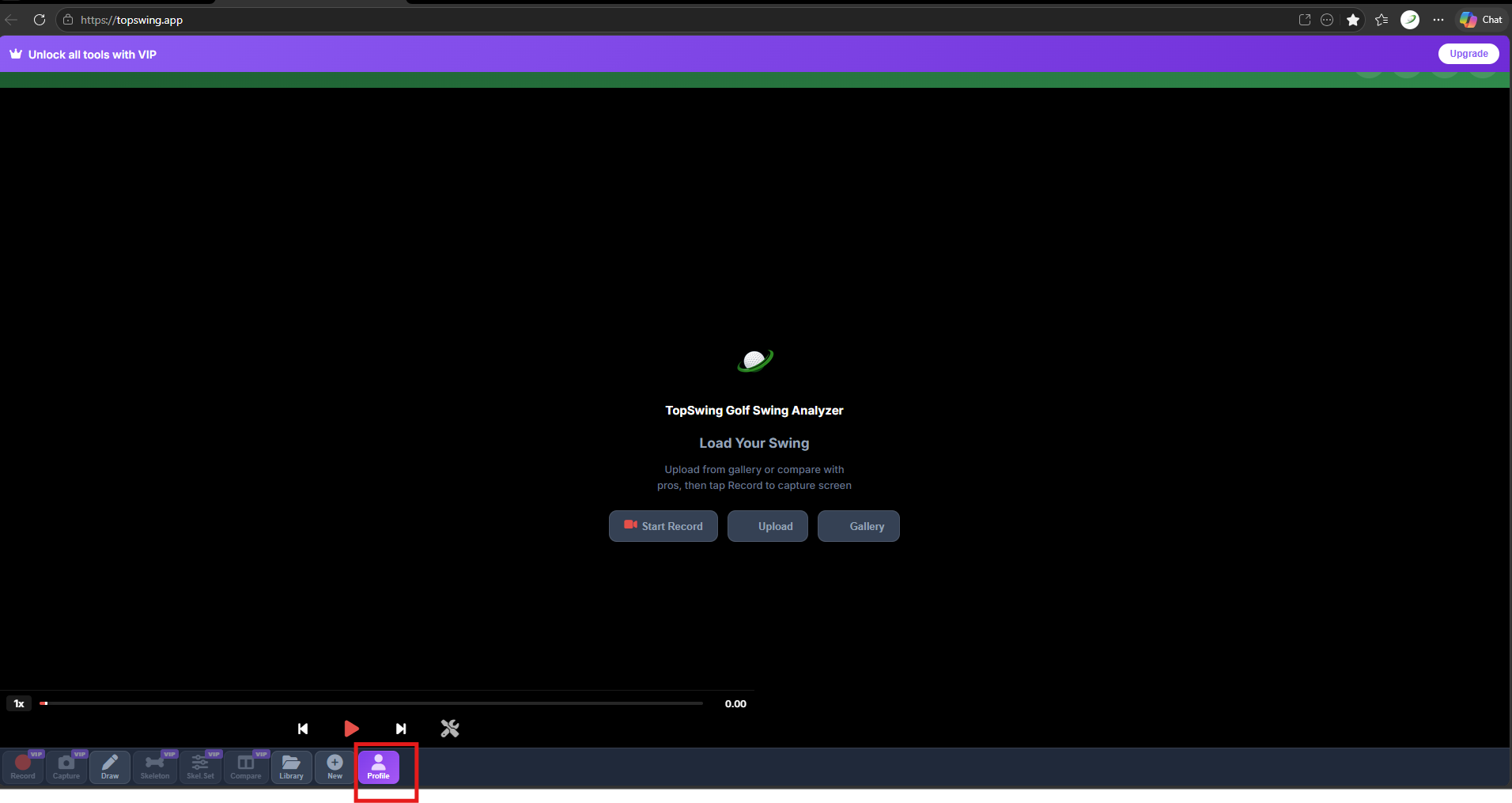
Tap Profile at the bottom toolbar, then tap "Sign In with Email". Create your free account in seconds to sync across devices.
3
Activate Free VIP
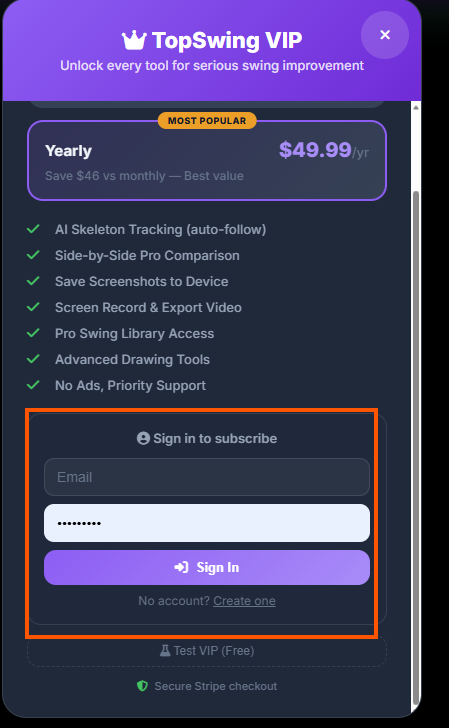
In the VIP modal, tap "Get 7 days of VIP access FREE", then confirm with OK. All premium tools unlock instantly — no credit card required.
No credit card required
4
Upload Your Swing Video
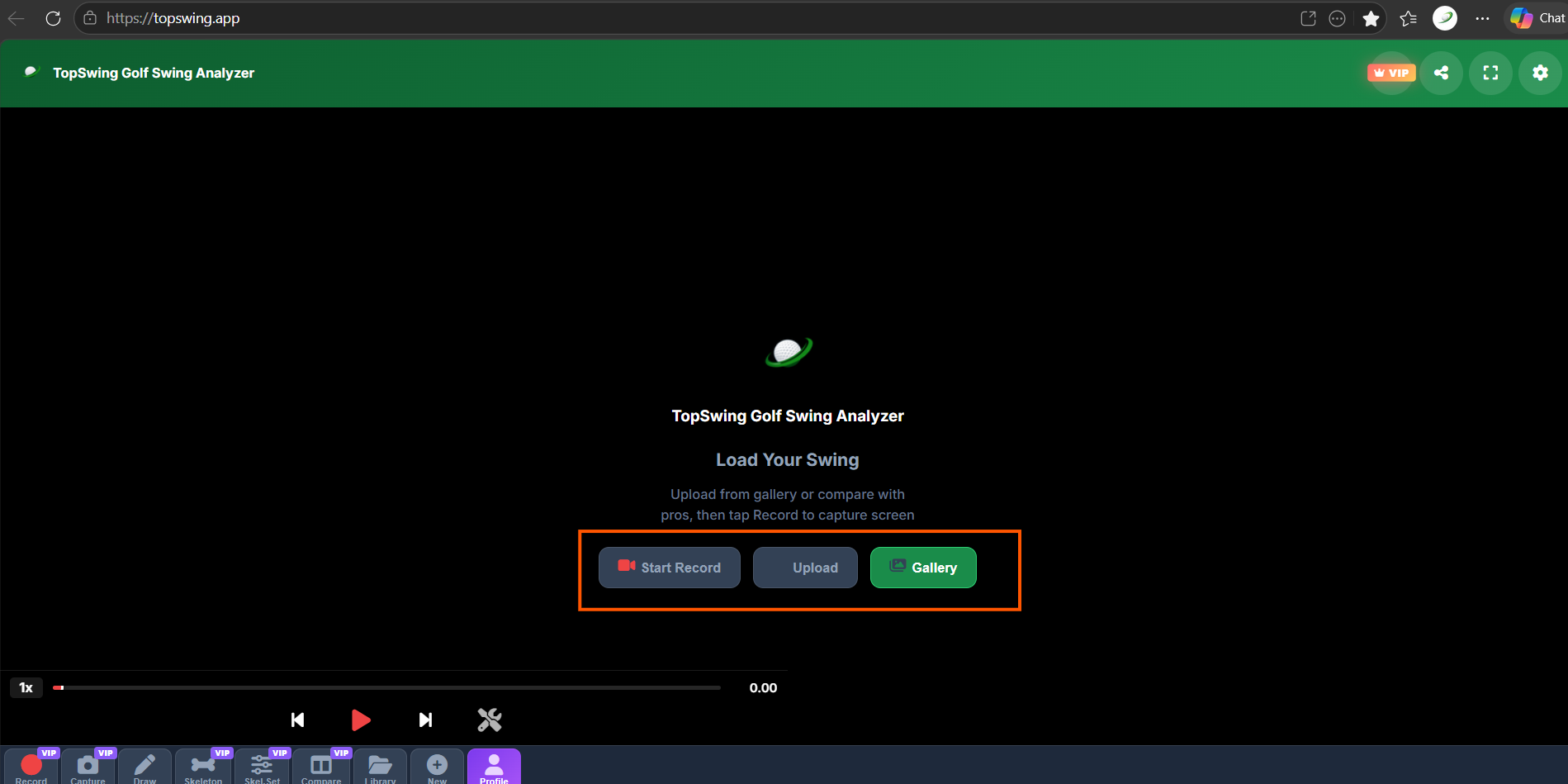
Tap Upload or Gallery to load your swing video from your device. Or tap Start Record to capture a new swing directly in the app.
5
Analyze Your Swing
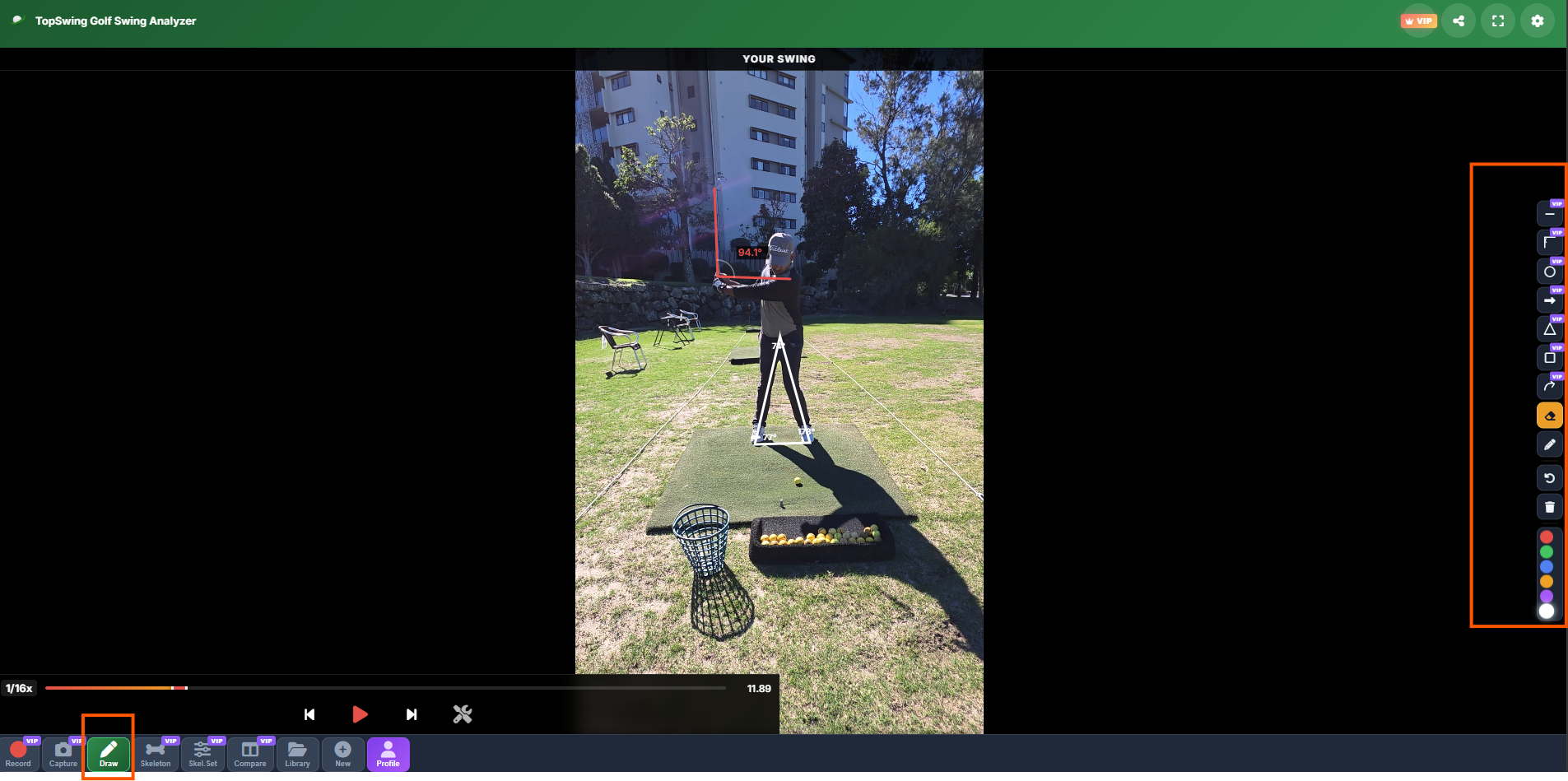
Drawing Tools — Tap "Draw" to add lines, angles, circles and shapes.
Skeleton — Tap "Skeleton" for AI body tracking with joint angles.
Slow Motion — Tap the wrench icon to slow down to 1/16x speed.
Record & Save — Tap "Record" then "Capture" to export a photo with overlays.
Skeleton — Tap "Skeleton" for AI body tracking with joint angles.
Slow Motion — Tap the wrench icon to slow down to 1/16x speed.
Record & Save — Tap "Record" then "Capture" to export a photo with overlays.